
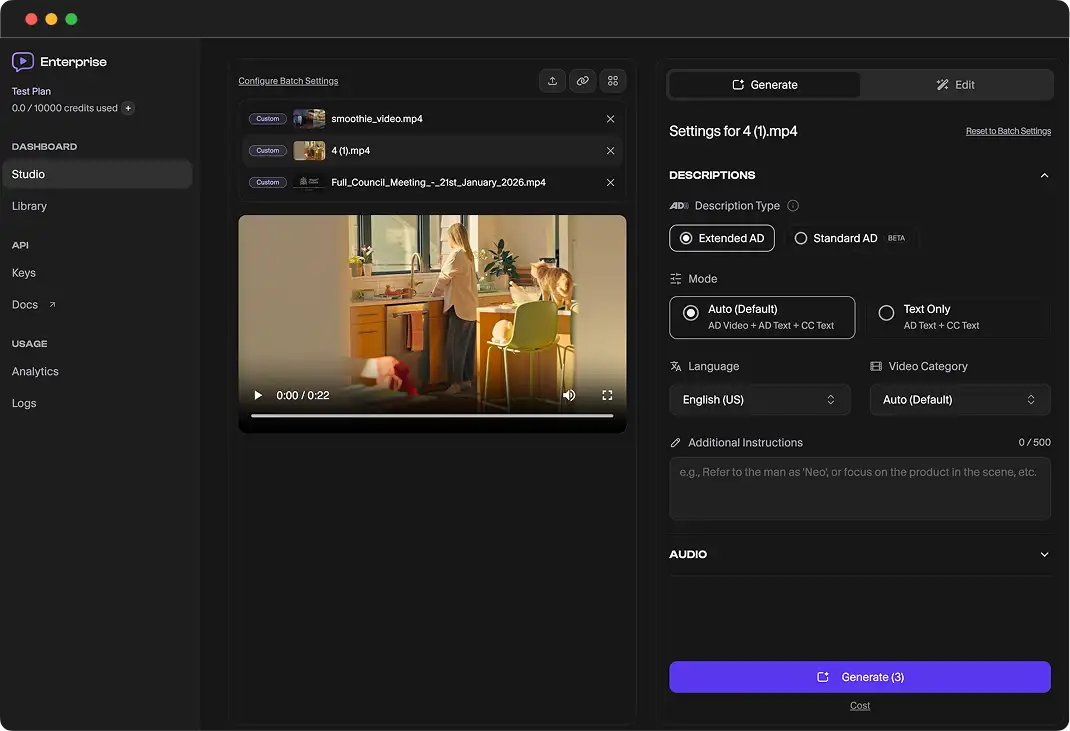
ViddyScribe Enterprise Platform Basics
This is a short overview of core Enterprise workflows in ViddyScribe.
Quick video walkthrough
Core Workflows
Generating Text Only for VTT etc.
- Upload a video file or add a supported video URL.
- Select Standard AD or Extended AD.
- Start generation and wait for processing.
- Preview timing and voice output before export.
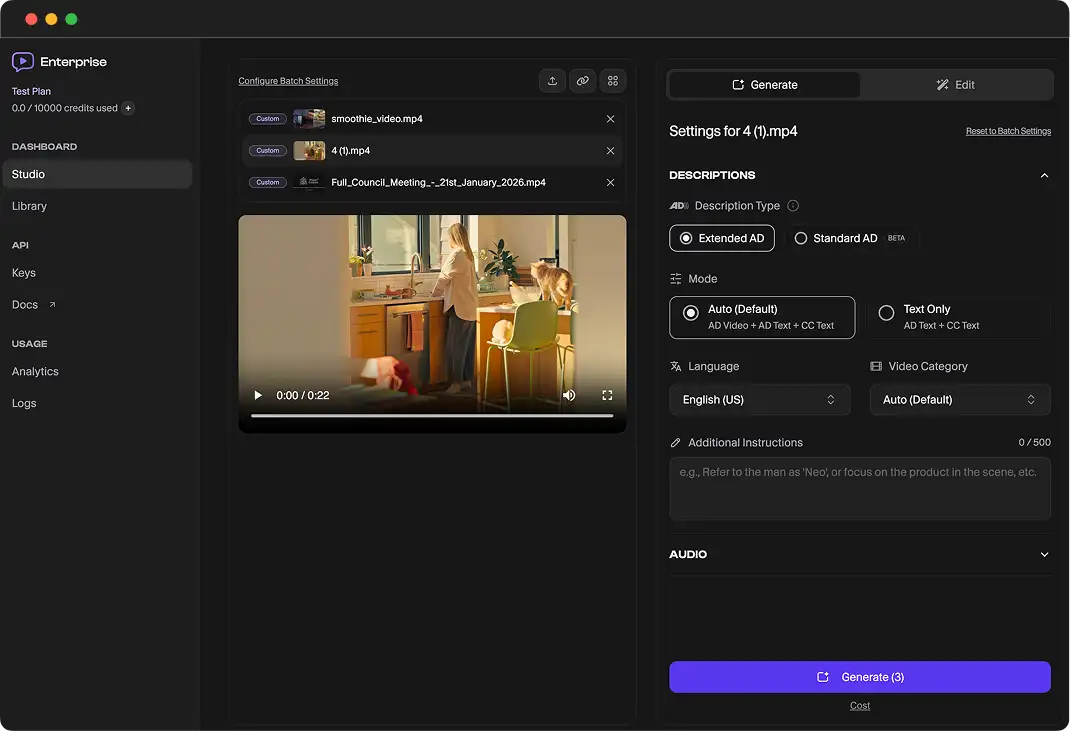
Generating Video with AD baked in
- Open your finished description job.
- Select video export or merged output options.
- Download the final MP4 and publish to your platform.
Fine-tuning Descriptions
- Open the description timeline or segment list.
- Edit text, timing, and segment boundaries.
- Re-preview and save changes before final export.
Using AI Edit
- Choose an existing segment or full draft.
- Use AI Edit to rewrite for clarity, length, or tone.
- Apply the suggestion and review playback quality.
How to use full-screen editor
- Open Full Screen Editor from the edit workflow.
- Make focused updates to script and timing together.
- Save and return to the main project view.
Make Your Videos Accessible in Minutes
ViddyScribe helps teams, agencies, and creators generate audio descriptions quickly and affordably.
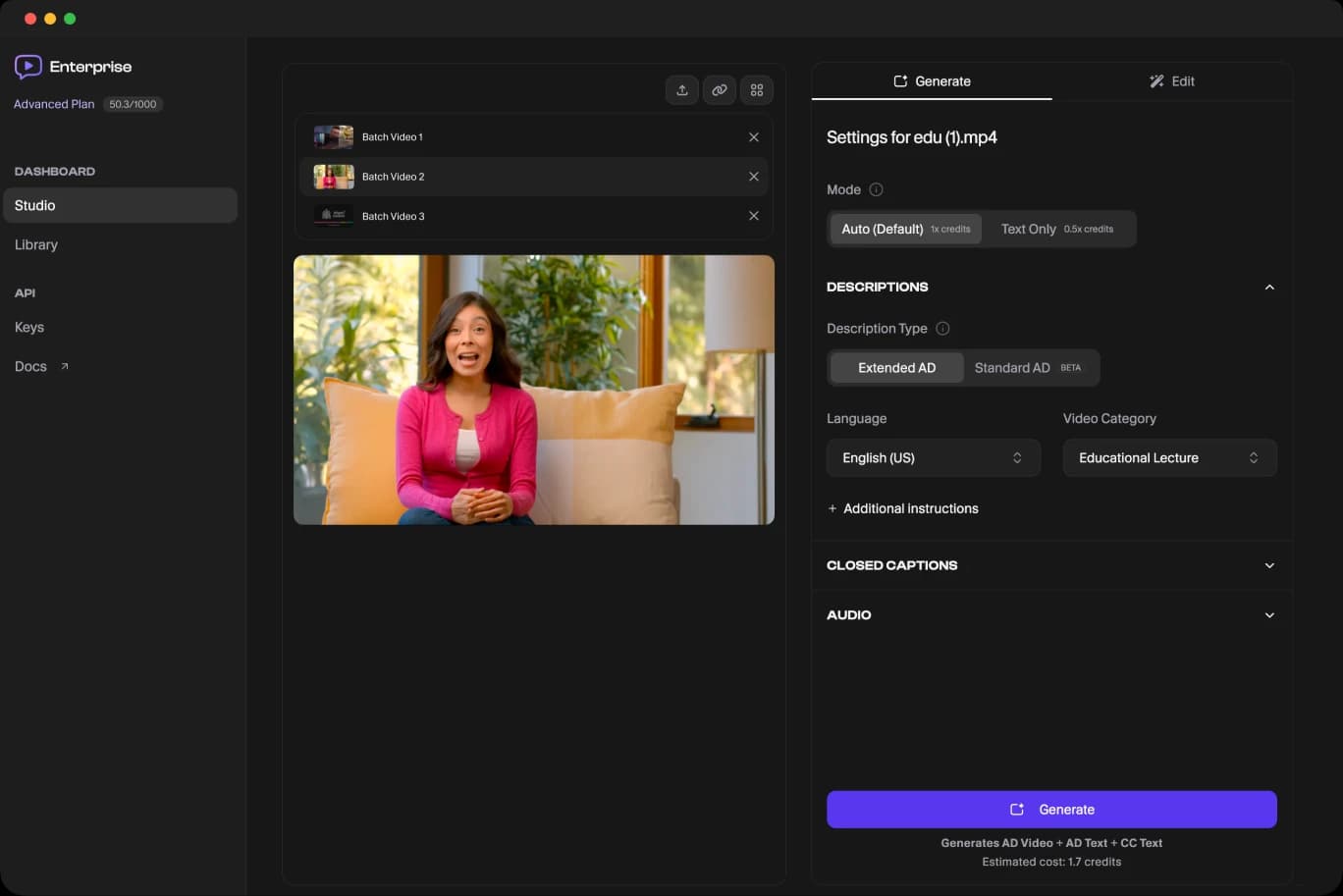
Get access to the platform and start audio describing your videos today.